I’ve written before about our use of Drupal for the Southampton Orienteering Club website. We’re now on Drupal 11, and my opinions haven’t really changed. Upgrades are still painful, particularly the community modules that we have to leave behind each time. The user experience for creating content also lags behind newer alternatives. We have a significant amount of historical content on the site (not all of it publicly visible), making a move a daunting proposition. In the meantime, as this post demonstrates, we continue to utilise the powerful features that Drupal and its ecosystem offer.
We had a requirement to provide a membership list for use by the club’s members, which would provide names, approximate home location (to facilitate lift sharing), and a contact mechanism. Previously, it fell to the membership secretary to create this list manually; however, given that nearly all members have an account on the website, it felt like there was a better way.
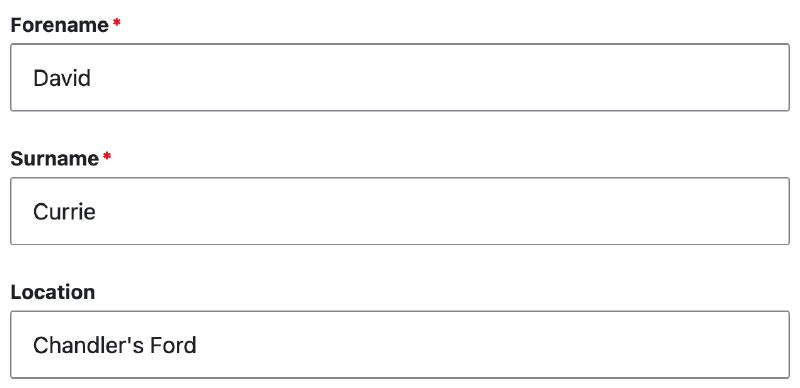
We already had a permission role that was granted to club members (allowing them access to the members’ area), so it was trivial to create a page that listed all of the website users in that role (and limit access to the list to those in that role). Drupal lets you add custom fields to the user profile. We already have fields for forename and surname, to which I added a location field, which we populated from the old membership list.
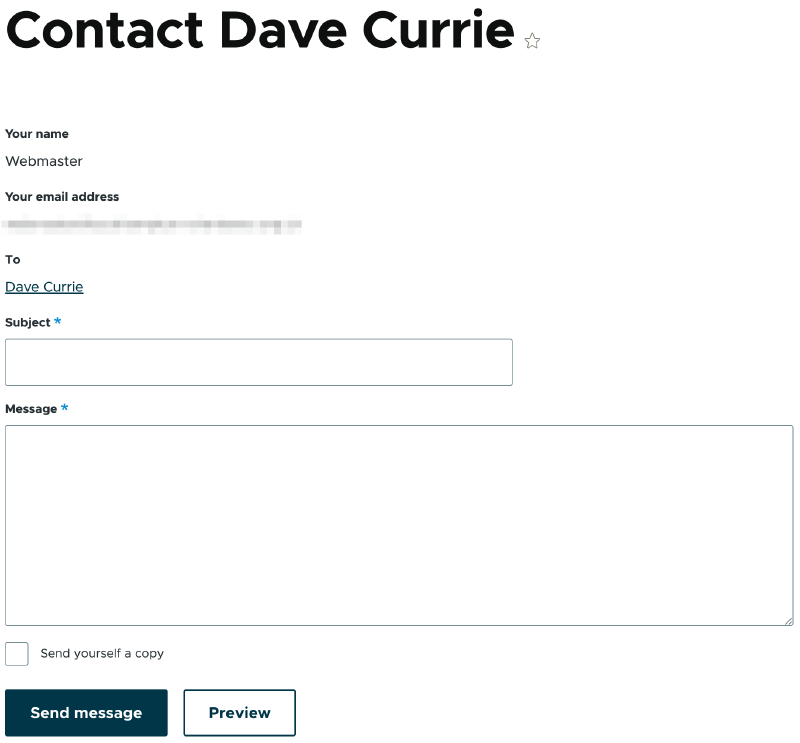
Drupal also has a built-in mechanism for users to contact one another. Users can select the user they wish to contact and provide a message, which is then emailed to the recipient with the originating user as the sender. This has the benefit that users see messages where they are most likely to notice them (in their inbox rather than in some additional system), but without having to expose everyone’s email address to everyone else, which was an area of concern. Better still, users can indicate in their profile whether or not they wish to be contactable.
So far, so good. We had a list that showed members’ names, locations, and a link to their contact form if they hadn’t disabled it. The last thing we wanted to add to the list was some additional data for each member, highlighting honorary members, any qualifications (e.g., first aider or coach), and any posts they might hold (e.g., secretary or chair).
We already had a Drupal node type to represent a post, which is then linked to multiple users. This was being used to generate the committee page. I decided to extend this to cover the other scenarios. Drupal views allow you to specify reverse relationships, so for each member, it would retrieve all of the ‘posts’ the member held. Unfortunately, it then renders this as if it were an outer join in SQL, with multiple rows in the table for a member, one for each post.
This is where the Views Aggregator Plus module came to the rescue. Once installed, I could select the “Table with aggregation options” format for my Drupal view. Getting the correct settings was then a bit finicky. I had to add a hidden field with the user’s UUID. I then configured the view to group the post holder relationship using the “Enumerate (sort, no dupl.)” function and group the UUID using “Group and compress” as shown in the following screenshot.
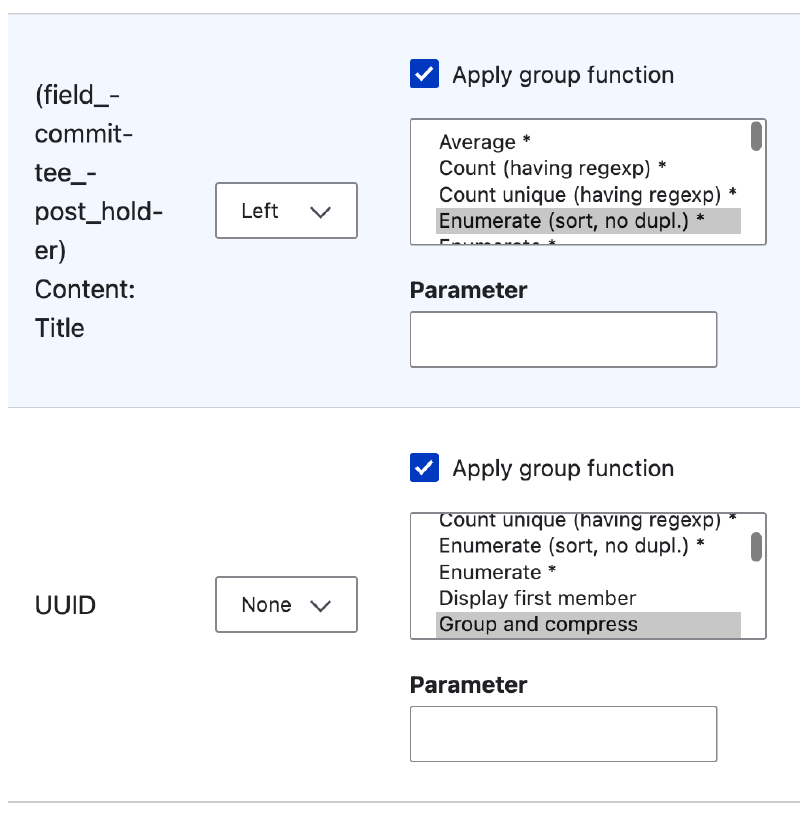
The module is significantly more powerful than this. It will, for example, allow you to perform operations such as COUNT, MIN, and MAX on the aggregated rows. That’s maybe for another day!
One further tweak was then needed. The table was styled differently from all of the other tables on the site. Rather than try to replicate that styling, I changed the class in modules/contrib/views_aggregator/templates/views-aggregator-results-table.html.twig from table to views-table.
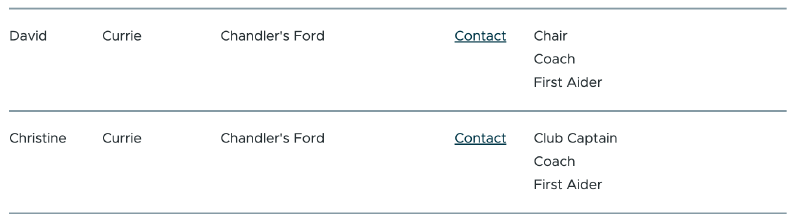
The final list (or at least the important section of it!) then looks something like the following: